


Creating Dashboards in Excel

About course
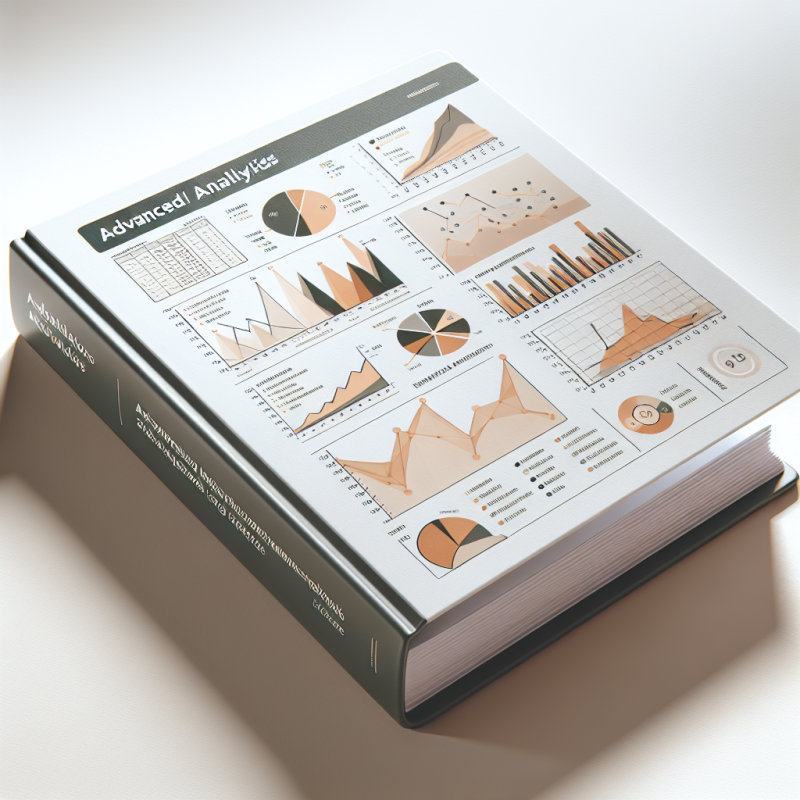
Unlock the power of data visualization with our "Creating Dashboards in Excel" course. Tailored for both beginners and seasoned users, this training will guide you through the process of designing interactive and insightful dashboards that transform complex data into clear, actionable insights. Enhance your spreadsheet skills, streamline your reporting, and make data-driven decisions with confidence. Ideal for professionals looking to elevate theUnlock the Power of Data with Our Creating Dashboards in Excel Course
Transform the way you visualize and interact with data by mastering the art of dashboard creation in Excel. This comprehensive course is designed for professionals looking to harness the full potential of spreadsheets. Whether you’re a beginner or an experienced Excel user, our training will equip you with the skills to create dynamic dashboards that tell compelling stories with your data.
Feature Highlights:
- Hands-on Projects: Work on real-world scenarios to solidify your learning.
- Step-by-Step Guidance: Easy-to-follow instructions from industry experts.
- Interactive Resources: Access to video tutorials, downloadable templates, and cheat sheets.
- Flexible Learning: Learn at your own pace, anytime, anywhere.
- Community Support: Join forums for discussions and assistance from fellow learners.
Achieve Results That Matter
Imagine being able to present complex data in a clear, visually appealing format that enhances decision-making. By completing this course, users have reported:
- Increased efficiency in reporting processes.
- Enhanced ability to spot trends and insights.
- Improved collaboration with team members and stakeholders.
- Greater confidence in presenting data-driven decisions.
Practical Details
Upon purchase, you will have immediate access to all course materials, compatible with both Windows and Mac versions of Excel. Stay up-to-date with periodic course updates, ensuring you always have the latest techniques and tools at your fingertips. Plus, our dedicated support team is always ready to assist you with any questions you may have.
Join us today and take the first step towards becoming a dashboard expert in Excel!